
Get Started with
Aavaz PBX - For Free!
Pull a Docker image, run one command, and you have a working PBX.
No card required to try it.
Sign up only when you want to make real calls.

Flexible Installation Options to Fit Your Needs
Aavaz PBX is a Docker image. Run anywhere Docker runs
Don't want to install it...we've got that covered as well!
Set up on your own infrastructure in your office with Docker and get running quickly - secure, private, and fully under your control.
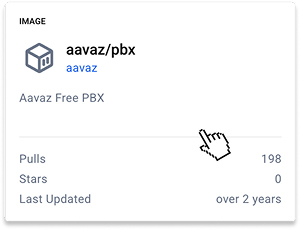
Deploy in the cloud (GCP, AWS, Azure, Digital Ocean) with Docker using
our step-by-step instructions - flexible and scalable.
Let us handle everything. Our team manages installation, setup, and ongoing maintenance - so you can focus on your business, not your infrastructure.
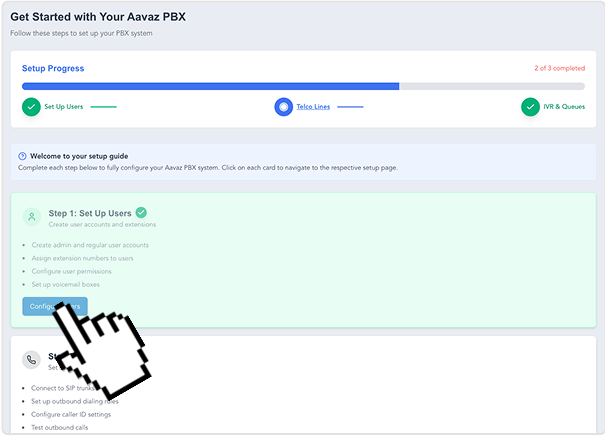
From install to your first call...
about ten minutes.
Aavaz PBX boots, and makes the admin console available via your browser on your host.
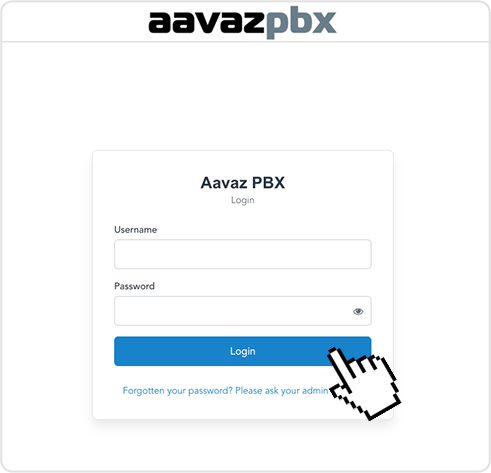
Browse to https://your-host/. Login as the admin user. You're inside in under a minute.
Link your PBX to your Aavaz account so you can buy a number, add minutes, and route calls.
Pick a DID (Tech speak for a number), register a softphone or SIP device, and dial out. You're now running a production-ready PBX.
Two commands. That's the install.
Aavaz PBX is shipped as a Docker image. If you have a Docker host, you have everything you need.
sudo docker pull aavaz/pbx:latest
sudo docker run -d \
  --name aavaz-pbx \
  --volume /mnt/aavazHost:/aavaz/data \
  --restart always --network host --cap-add NET_ADMIN \
  aavaz/pbx:latest
Two paths. Pick the one that matches your week.
We'll do the install, the SIP-trunk wiring, the number port, and the first day of monitoring. Reasonably priced — and you keep the same Docker image either way.
Contact us →Have questions? We have answers.
Common questions about Aavaz PBX — features, pricing, deployment, and how it compares.